14 Winter & Holiday Shapegrams: December Digital Art Activities
Are you looking for engaging December activities that will keep your students focused while the holiday excitement builds?
We have 14 Shapegrams that are absolutely delightful for this time of year!
These digital art lessons cover a variety of skill levels, from beginner shape-building to advanced perspective drawing. They cover everything you might associate with December: winter weather, snow, holidays, Christmas, and cozy vibes. Whether you are using Google Slides or Google Drawings, there is snow better way to keep your classroom creative this winter than this roundup of challenges.
Flexible Winter Activities for Any Classroom Scenario
Teachers know that December days can be unpredictable! These Shapegrams are versatile enough to fit into whatever your schedule throws at you. Here are a few ways to use them to boost engagement:
Whole-Class Lessons: Project the tutorial video and pause it step-by-step for a guided drawing session that gets everyone on the same track.
December Choice Boards: Add a variety of these Shapegrams to a choice board to give students agency over which picture they want to create.
Station Rotations: Set up a “Tech Station” where students work independently on a Shapegram while you work with small groups elsewhere.
Class Buddy Activities: Pair older students with younger “buddies.” The big buddies can teach the little ones how to group and resize shapes to make a Reindeer or Snowman.
Early Finishers & Extra Time: Keep your “fast finishers” engaged with a meaningful art challenge rather than busy work.
Emergency Sub Plans: Because the lessons include self-guided tutorial videos, they are perfect for substitute teachers. No prep required—just assign and go!
Mindful Moments: The holidays can be chaotic. Use these art challenges as a quiet, calming activity to help students center themselves and focus on a creative task.
Beginning Blue Level
🟦⬜️⬜️⬜️⬜️ Perfect for beginners with a limited number of shapes.
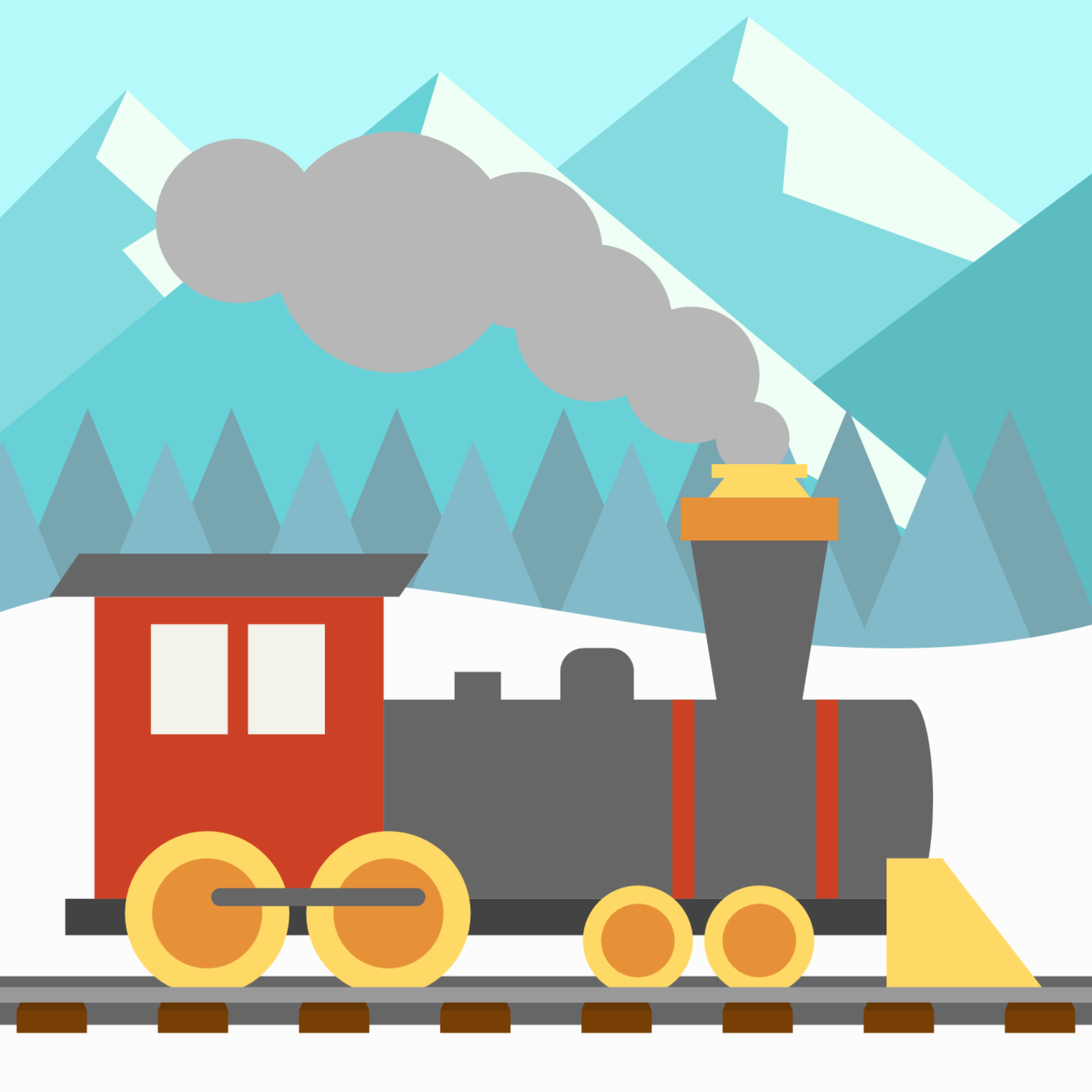
Locomotive
I’m not blowing smoke when I say that the Locomotive Lesson is a great place to start! It can be drawn with just 32 shapes. The lesson’s tutorial video shows exactly how to assemble the engine, and the “Side Quest” invites students to add cars to the train to create their own express.
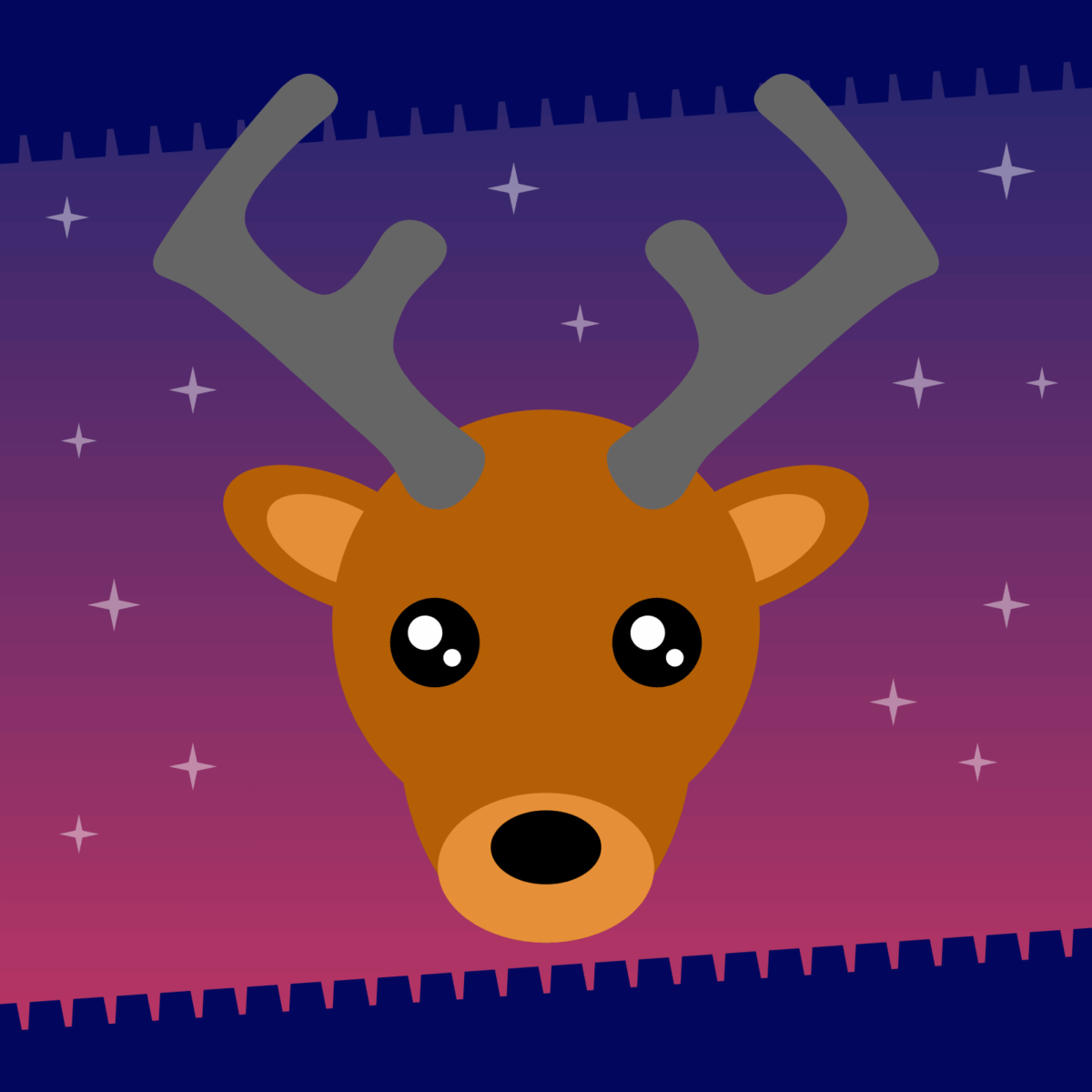
Reindeer
This animal sleighs! The Reindeer is drawn using only oval shapes and Word Art. Yes, you HERD that right! It’s a fantastic introduction to working with fonts as shapes. Specifically, the antlers are made using the capital letter “F” in the Averia Libre font.
Growing Green Level
⬜️🟩⬜️⬜️⬜️ Multiple shapes with arrangement options.
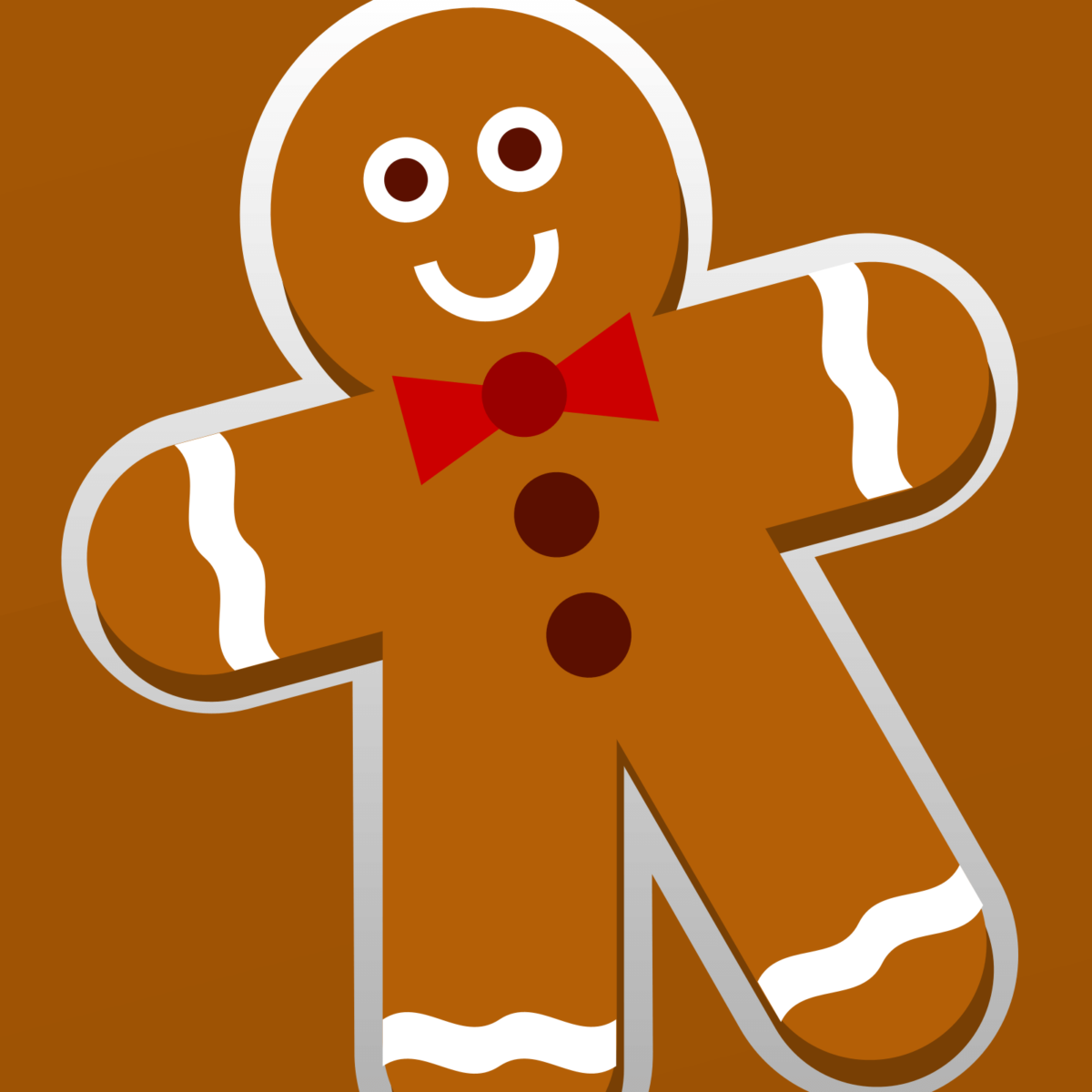
Gingerbread Person
The smiling picture in the Gingerbread Person Lesson is one cute cookie! This lesson focuses on the power of duplication. After drawing the first gingerbread person, students can duplicate their drawing, move it over, and modify the accessories to create a whole new outfit or character.
Ice Skate
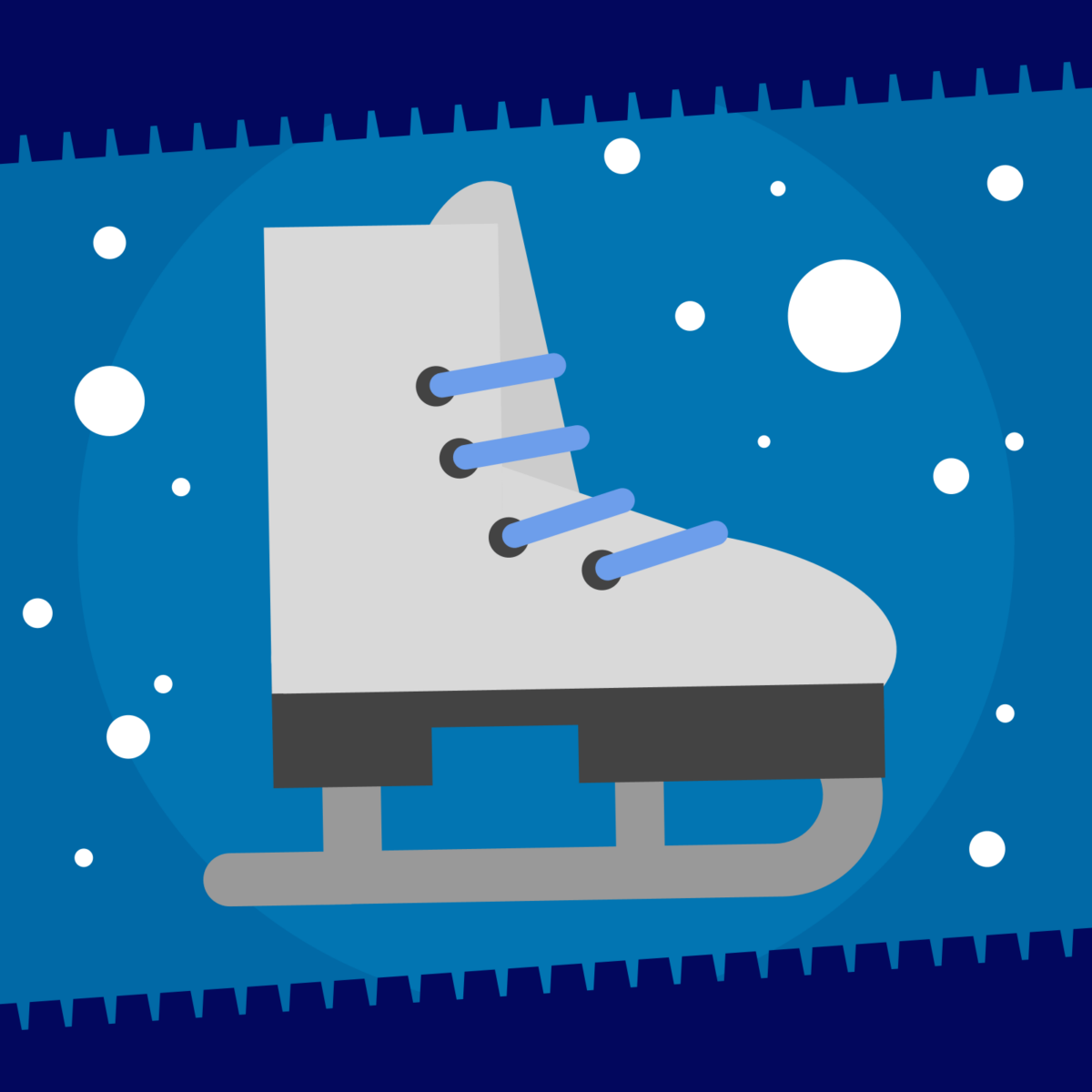
Chill out with the Ice Skate Zipper! This is a chance for students to “snowcase” their skills by layering shapes in unexpected ways. If students get stuck on which shapes to pick, don’t worry—the Shapegram includes a chart with advICE on exactly which pieces to use.
Progressing Purple Level
⬜️⬜️🟪⬜️⬜️ Custom colors, gradients, and intermediate techniques.
Fireplace
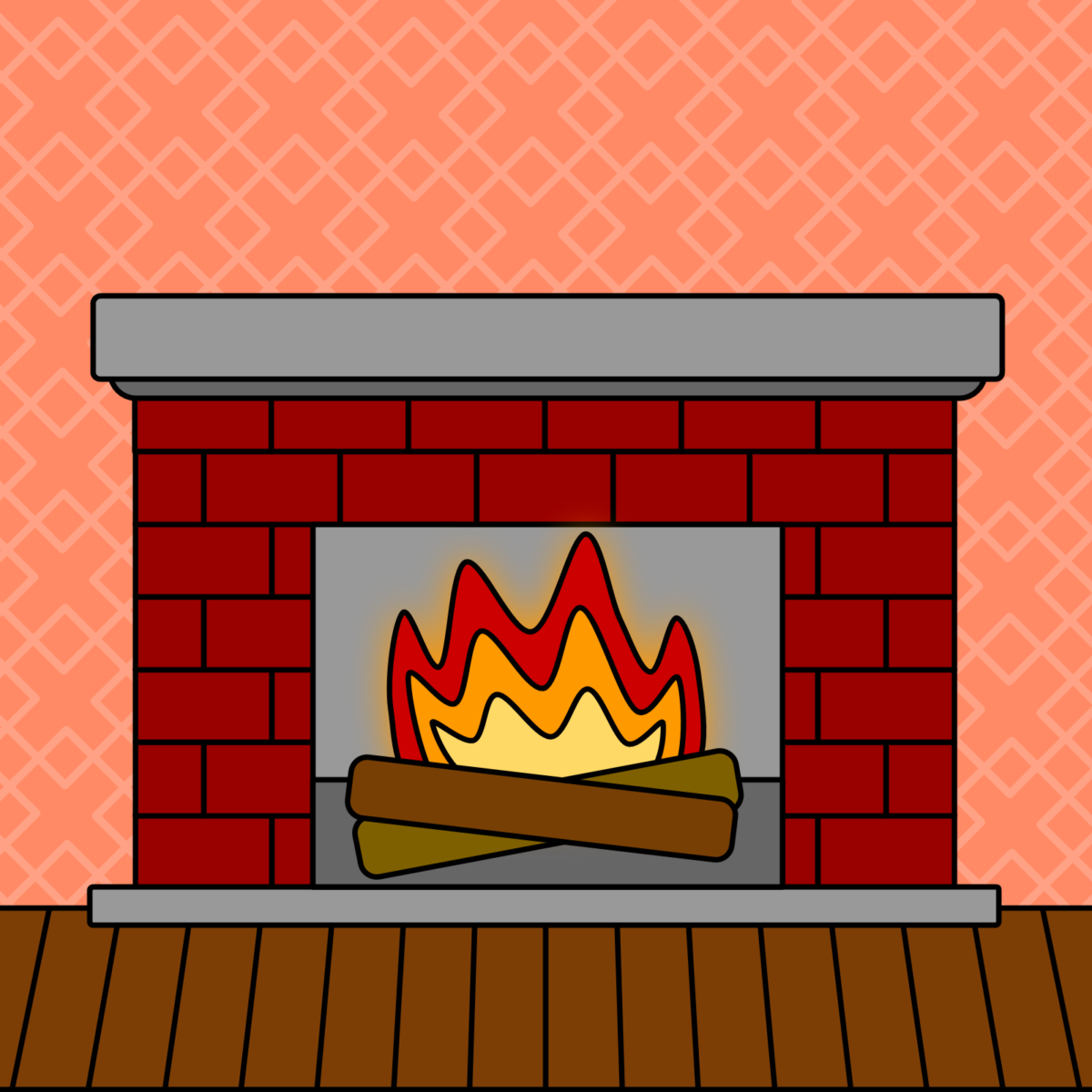
Warm up your tech skills with the Fireplace Lesson. This activity introduces the Curve tool to draw a custom flame. It also reinforces the skill of adjusting drop shadows to create lighting effects, making that fire look toasty and inviting.
Snow-Related Icons
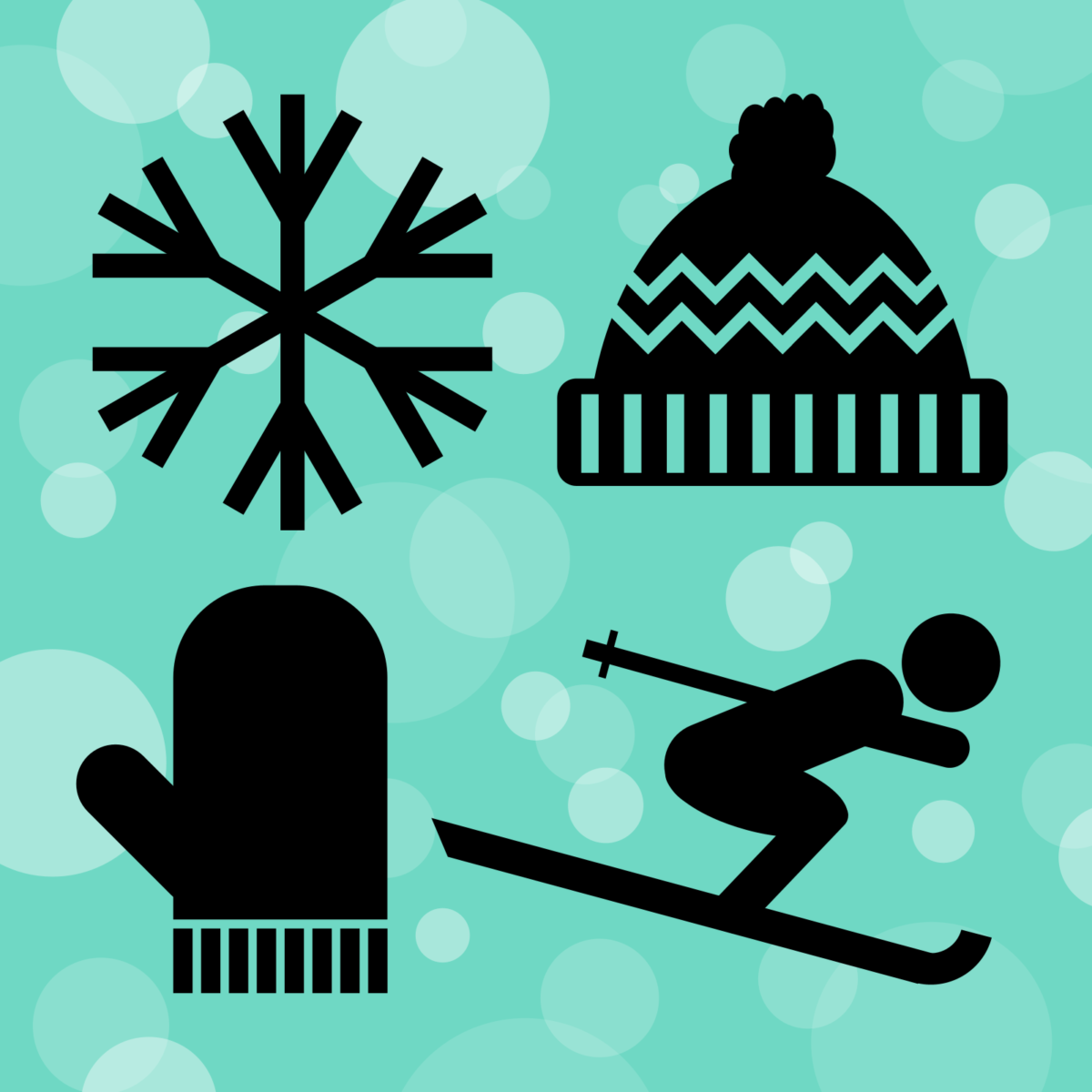
’Tis the SKI-son for snowflakes, hats, mittens, and skiing. This tutorial video is excellent for teaching composition. It demonstrates how to arrange, rotate, and overlap shapes to create clean, recognizable winter icons.
Candle
The Candle Zipper may be too hot to candle! Students will practice geometry by drawing a candle using trapezoid, teardrop, rectangle, and rounded rectangle shapes. They will also learn a neat trick: using a yellow drop shadow to add a realistic glow to the flame.
Snowman
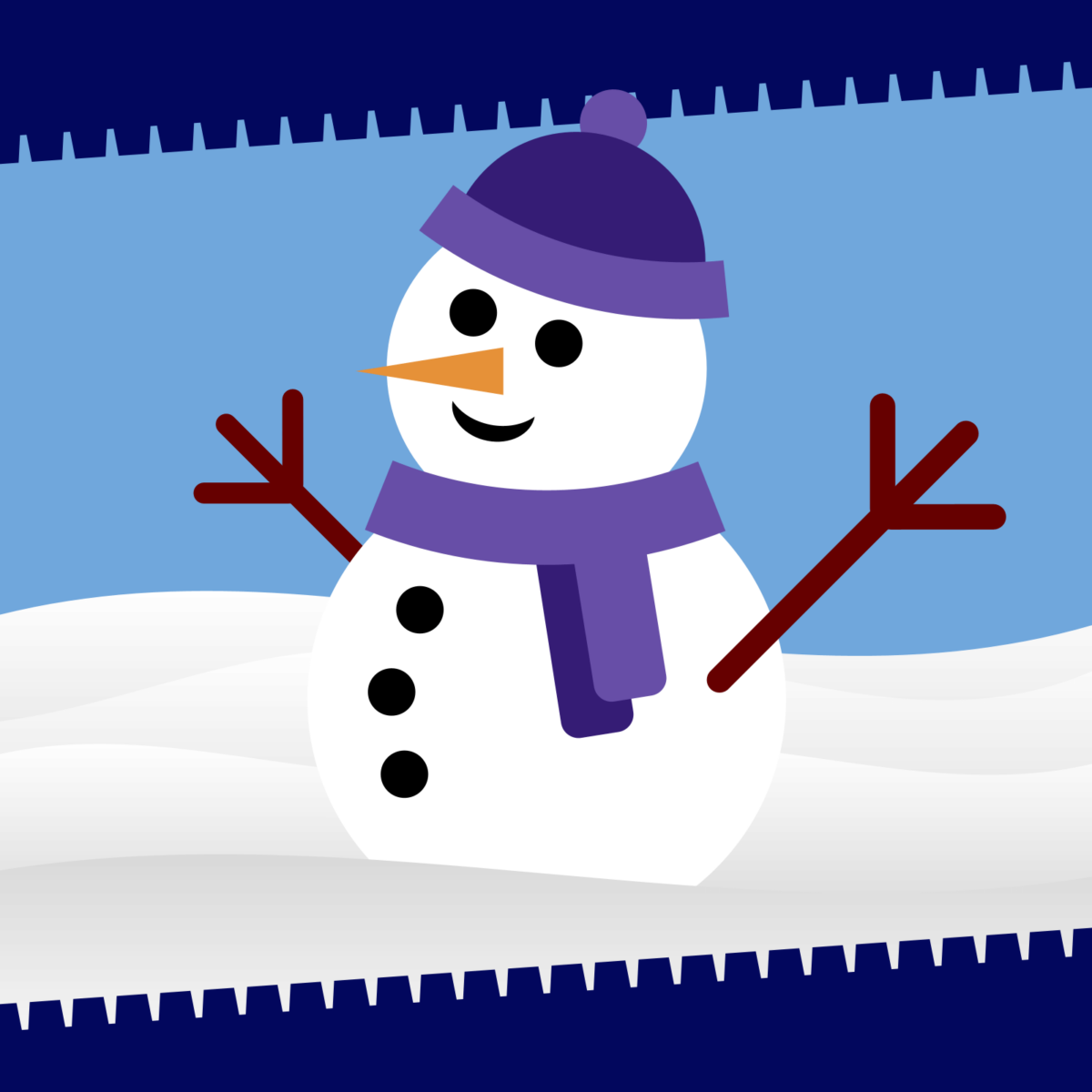
The Snowman Zipper is a terriFLAKE opportunity to practice drawing with shapes! Unlike standard stack-of-circles drawings, this snowman is depicted at an angle, making him a little trickier to draw. But don’t have a meltdown! It will set your mind at “freeze” to know that the template contains helpful hints for handling the perspective.
Snow Globe
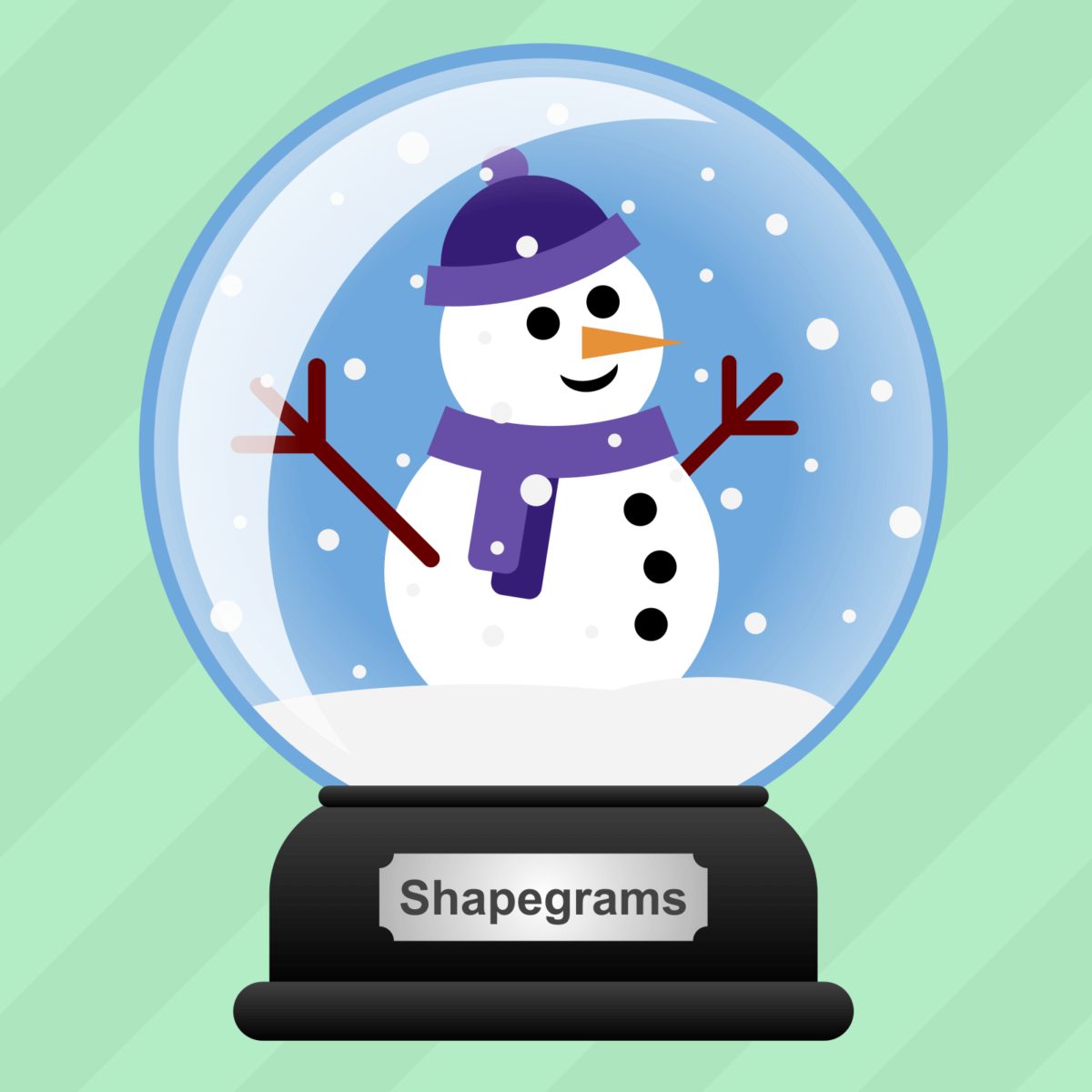
Draw and customize your very own shiny snow globe! Students get to decide what goes inside the glass and what to write on the plaque. It’s SNOW joke that working with multiple overlapping layers is difficult, so this tutorial demonstrates grouping layers. This allows students to easily insert drawings behind the glass group. It also teaches duplicating by dragging—a lifesaver when drawing a blizzard of snowflakes.
Hot Chocolate
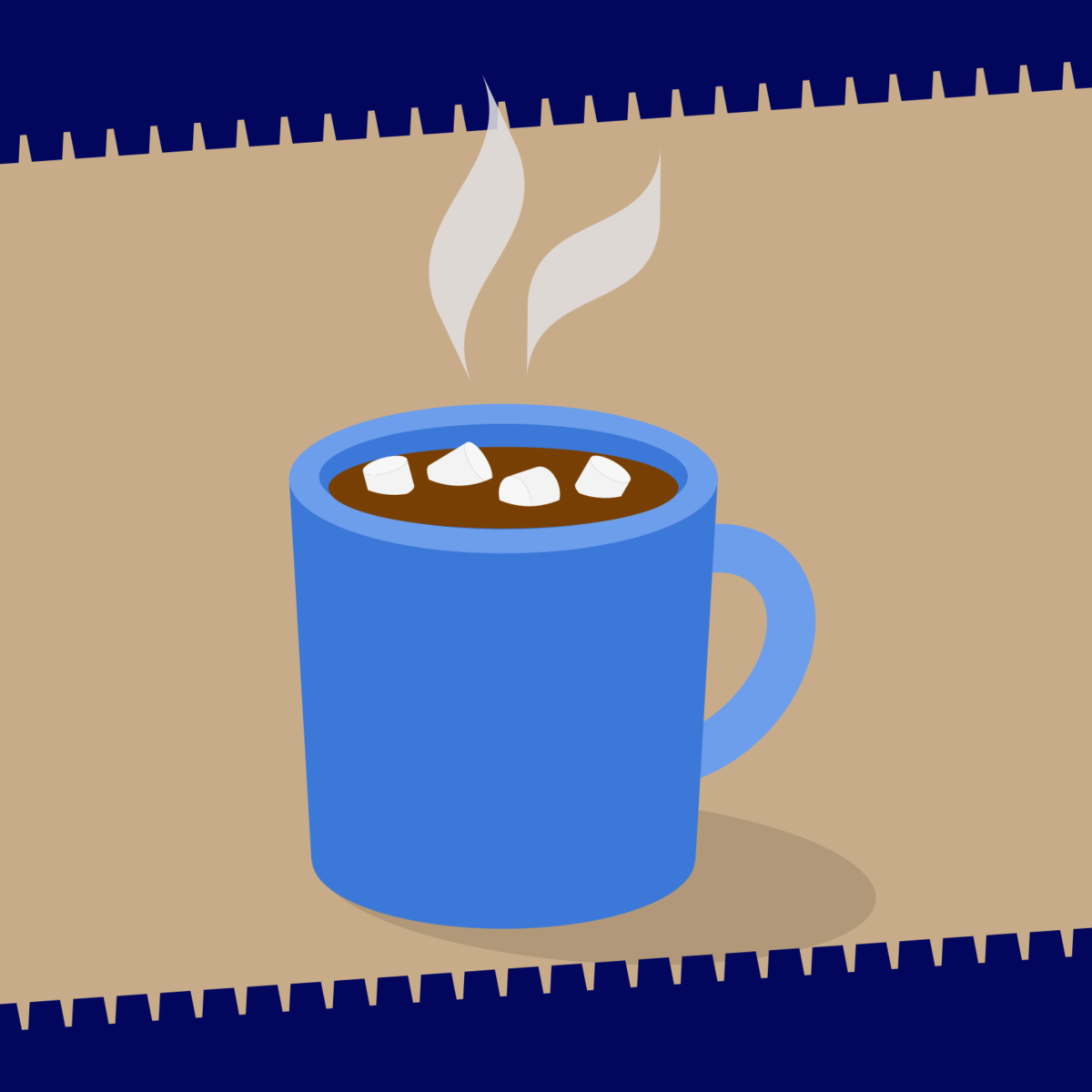
While you’re sitting by the digital fire, sip on the Hot Chocolate Zipper. This lesson is all about layering various shapes to build a mug full of steaming hot cocoa, complete with marshmallows. The document contains a helpful animation showing exactly how the shapes come together in the right order.
Remarkable Red Level
⬜️⬜️⬜️🟥⬜️ Advanced options and techniques.
Wreath
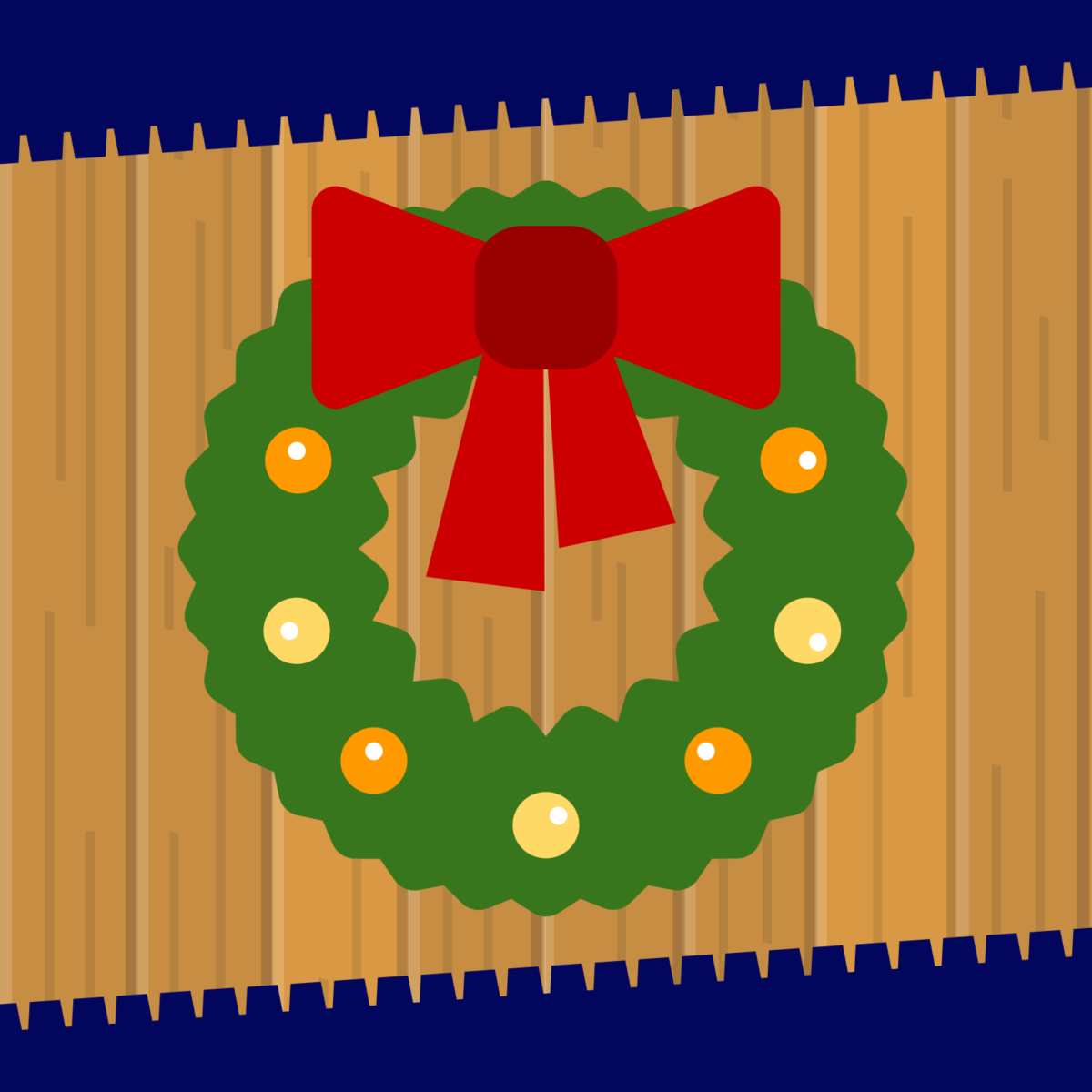
Ring in the holidays with an ir-wreath-sisible decoration! This lesson is fantastic for fine motor control with a mouse or trackpad. Students will learn to create small, precise curves along the outer edges of a ring and decorate it with a detailed bow using custom gradients.
Gingerbread House
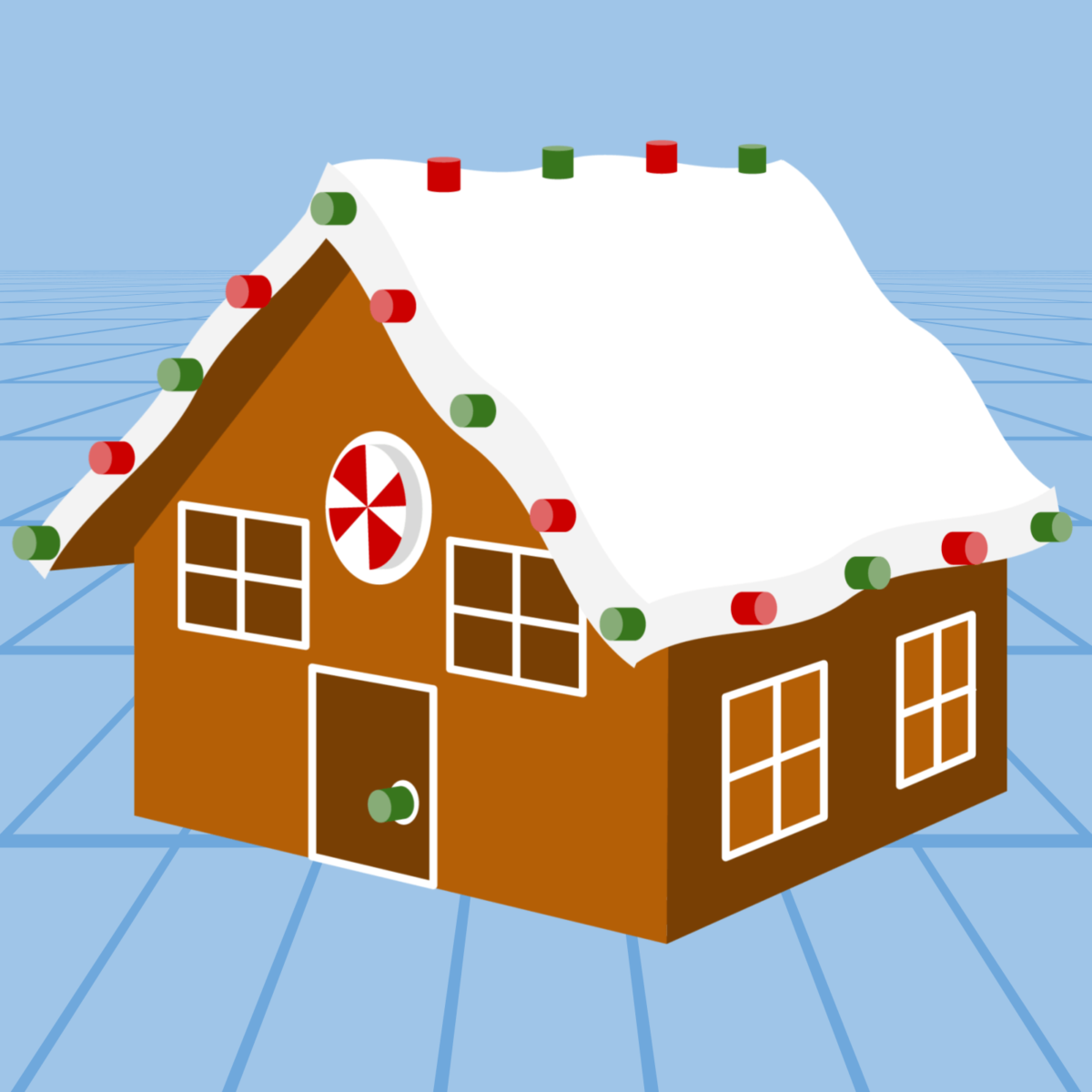
The Gingerbread House Lesson is all about drawing in a way that looks 3D. It’s quite an accomplishMINT to draw the house with two-point perspective! Because this is a complex drawing, the lesson includes a detailed tutorial video and helpful drawing guides to keep those candy walls straight.
The Gift Zipper is challenging because of the isometric angle of the box and the use of realistic shading. It’s a masterclass in color theory. Hex color codes are provided in the document for five different shades of red to create depth and dimension.
Yeti
Your students might not be ready this yeti! It’s “no small feet” to recreate this fictional character with shapes. The amount of detail in this Zipper is a real challenge, perfect for students who have mastered the basics and want to show off their advanced skills!
Ready to get shaping? Log in now to access these templates, or sign up to bring these creative winter challenges to your classroom!